Automating Excel Sheet Tasks: How Organizations Can Eliminate Manual Work and Scale Faster
Still relying on Excel for daily operations? Let's talk about automating repetitive Excel tasks, reduce errors, and improve efficiency across your organization.
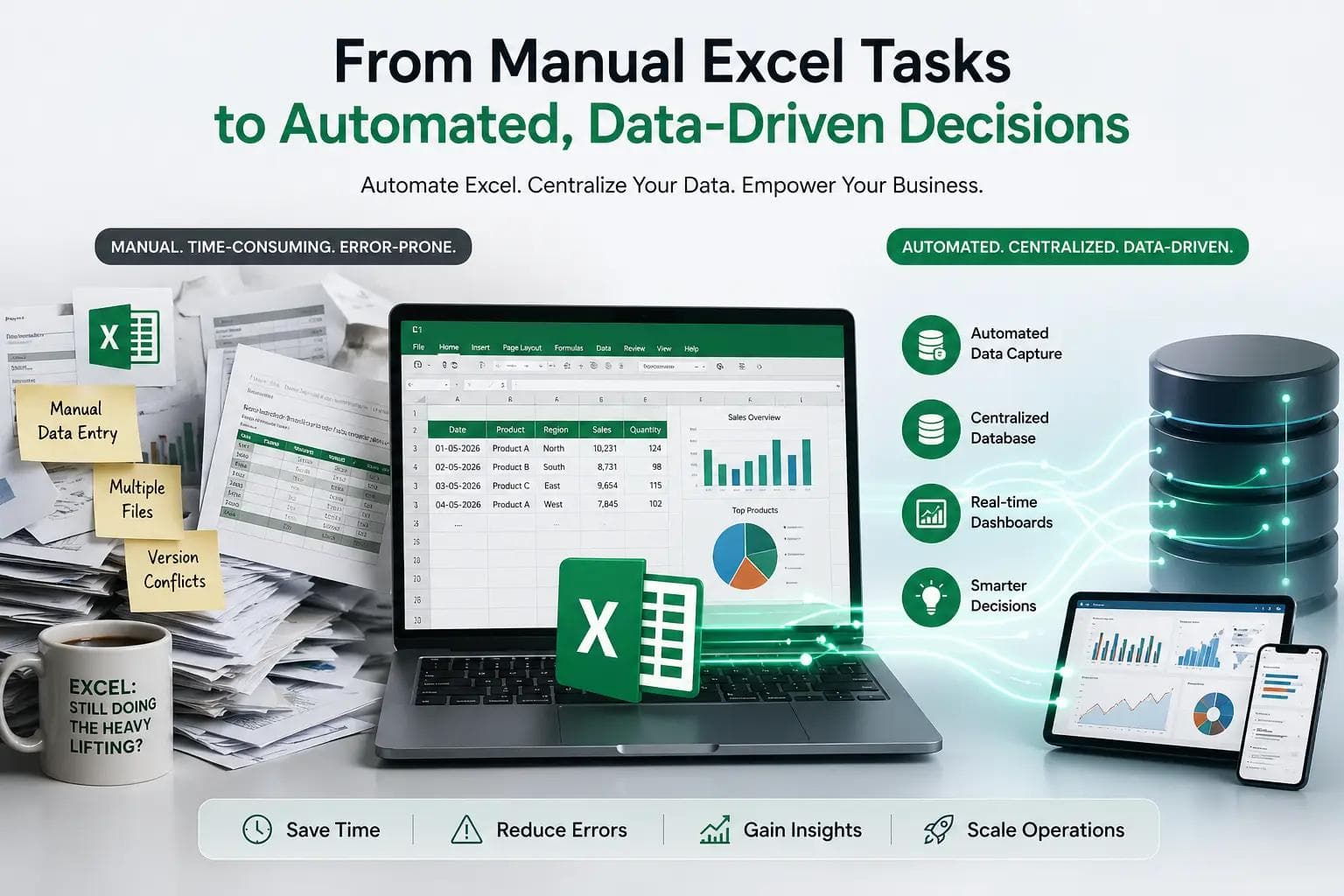
We’ve made an interesting observation from working with different organizations: Excel is far more powerful, and far more embedded than most people assume.
No matter how many systems companies invest in, Excel remains part of their day-to-day operations. From FMCG businesses to large hospitals, teams continue to rely on it for critical tasks.
It’s remarkable that a tool developed in 1985, like Microsoft Excel, is still widely used in 2026. That alone tells you something important, it’s not going anywhere anytime soon.
Rather than trying to replace Excel, we saw a better opportunity:
to automate the processes built around it.
Because the real problem isn’t Excel itself, it’s the manual work, inefficiencies, and lack of structured data that come with how it’s used.
By automating Excel-driven workflows and connecting them to centralized data systems, organizations can keep the flexibility they value while gaining the efficiency, accuracy, and insights they need to scale.
The First Step: Automating Excel Tasks
Most teams are still spending hours on:
- Manual data entry
- Report generation
- Data consolidation
- File sharing and approvals
Automation helps eliminate this by:
- Auto-updating spreadsheets
- Generating reports instantly
- Reducing human error
- Saving time
This alone can significantly improve efficiency.
But it still leaves one critical gap:
The Bigger Problem: Excel Is Not Built for Long-Term Data Intelligence
Even with automation, Excel has limitations:
- Data is scattered across multiple files
- Historical records are hard to track
- No centralized source of truth
- Limited analytics capabilities
So while operations become faster…
decision-making remains weak.
The Real Value: Moving Data Into a Central Database
This is where most organizations unlock real value.
Instead of keeping data locked in Excel files, automation should:
Push data into a centralized database over time
This creates:
- A single source of truth
- Structured, clean, and reliable data
- Historical records that grow daily
- A foundation for analytics and reporting
Why This Matters for Decision-Making
When your data lives in a database instead of scattered Excel files, you can:
1. Track Trends Over Time
- Sales performance
- Inventory movement
- Patient or operational data
2. Generate Real-Time Insights
- Live dashboards instead of static reports
- Instant visibility across departments
3. Improve Forecasting
- Predict demand
- Optimize stock levels
- Plan operations more accurately
4. Make Faster, Smarter Decisions
Leaders no longer wait for reports, they see what’s happening instantly.
Excel has survived decades, countless systems, and every “next big thing” in tech. Maybe it’s not going anywhere, but your manual processes probably should.